 fireTMS Dispo
a mobile application for forwarders and dispatchers
 access to orders 24/7supervision of drivers' worktransport statusesresult reportingcargo informationroute monitoring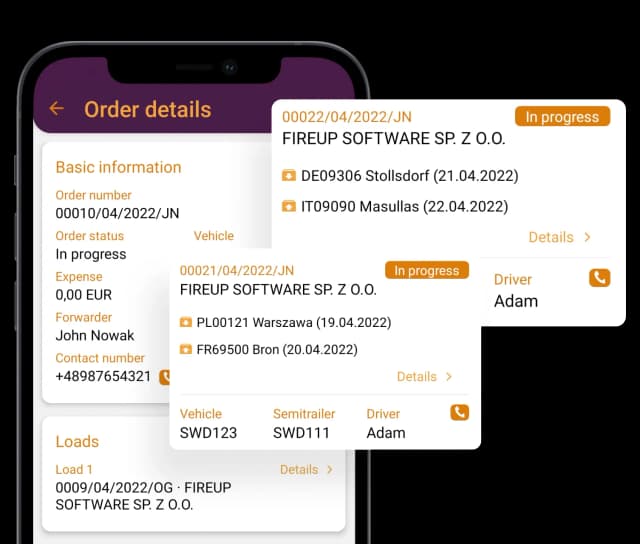
Dispo - mobile application
Why have we created the fireTMS mobile application?


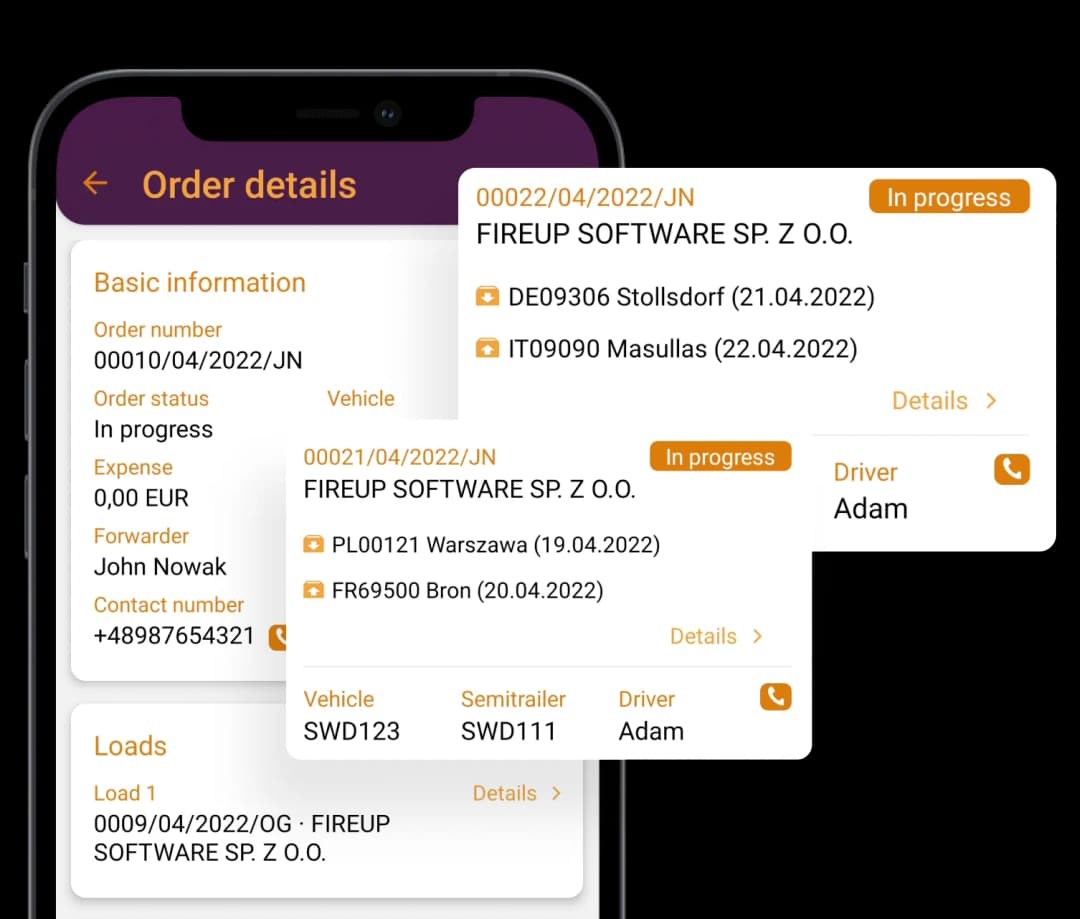
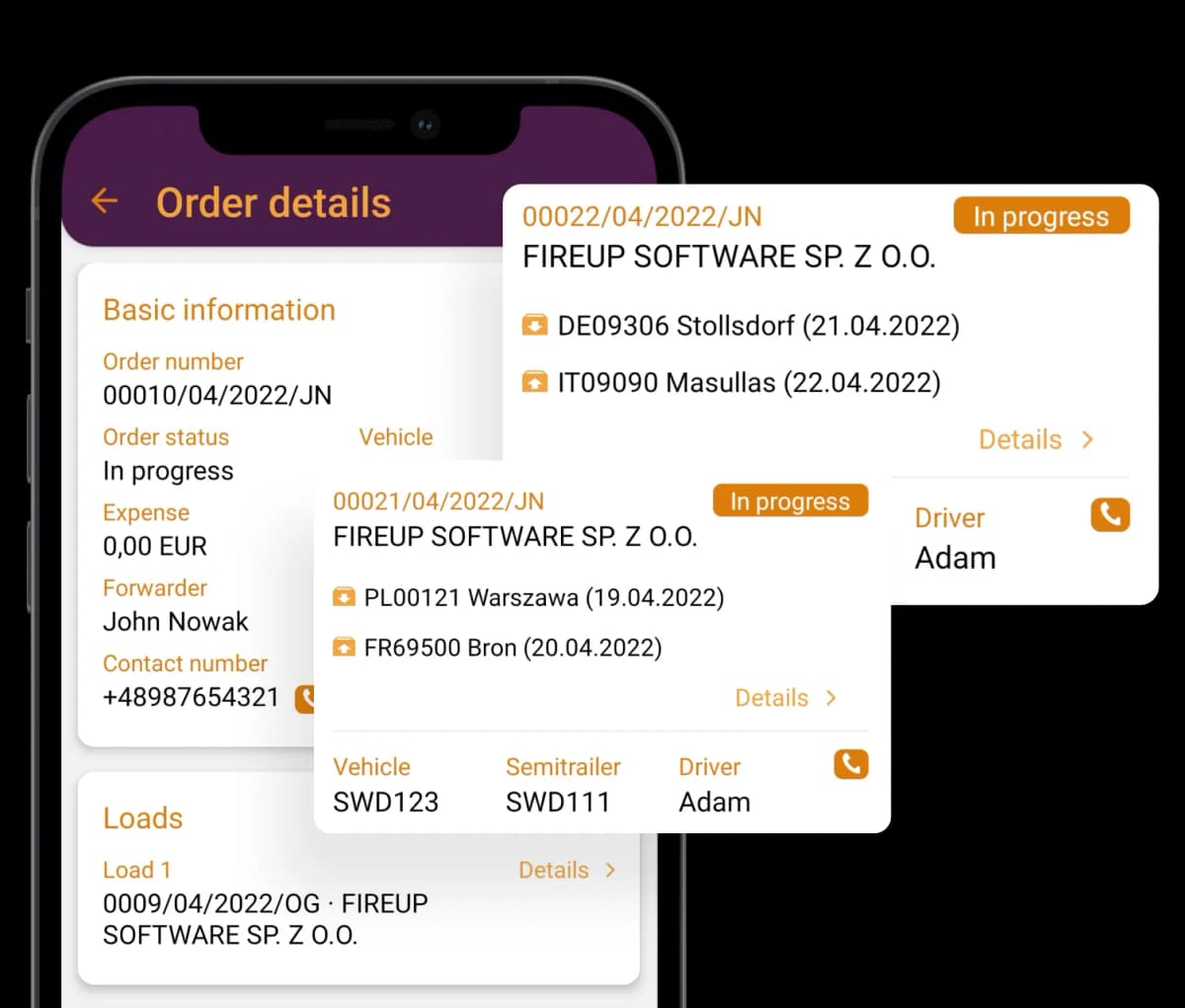
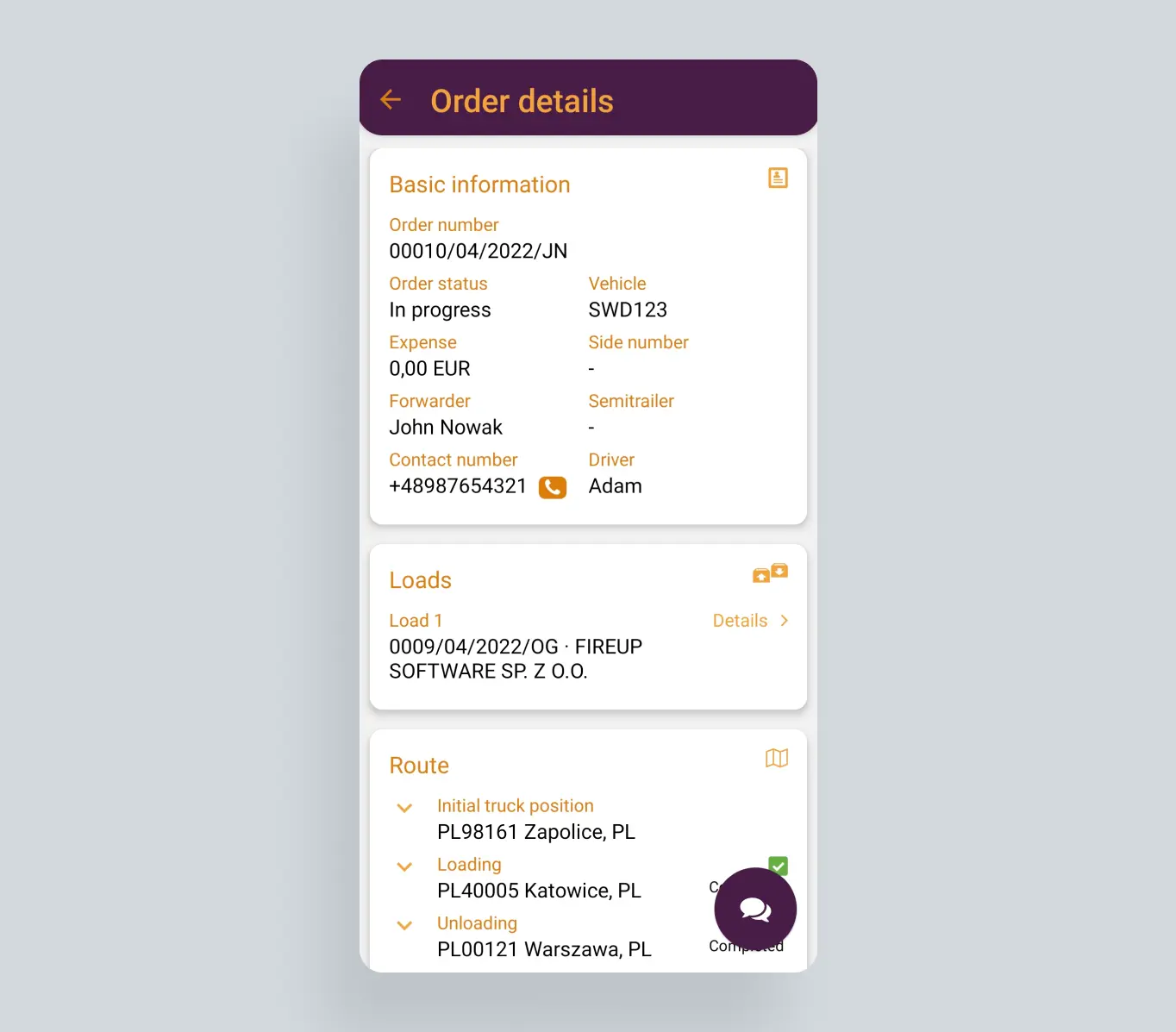
- The application for forwarders and dispatchers allows you to instantly check the status of a transport order and cargo. You have full access to the details of transport implementation and vehicle and route monitoring.
- The application allows you to control the situation on the route and establish easy contact between the forwarder and the driver, just by selecting the phone icon in the menu. You are not limited by place and time, all you need is Internet access.
- The application is compatible with the fireTMS programme and all order statuses are updated in real time. You can quickly react to unforeseen situations and always keep your “finger on the pulse“”
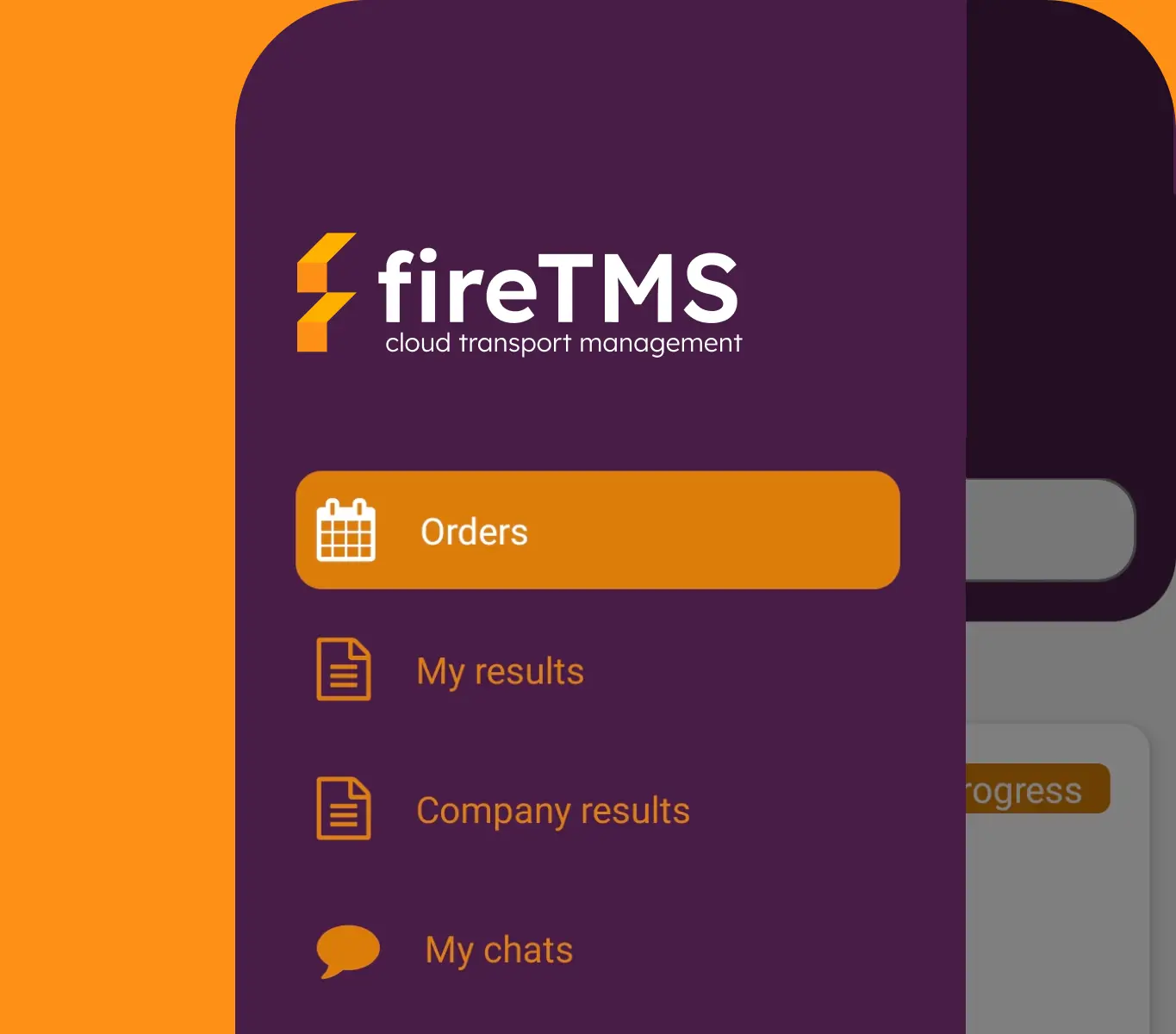
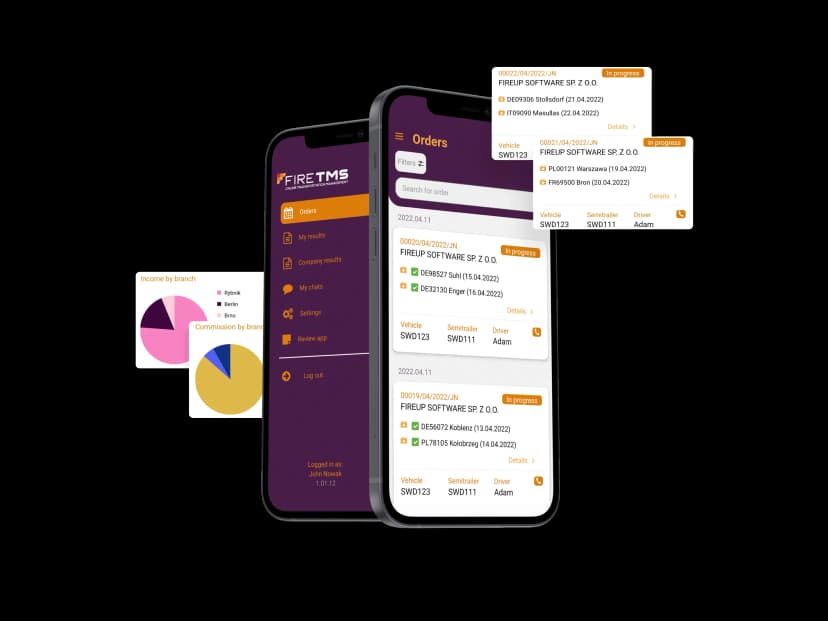
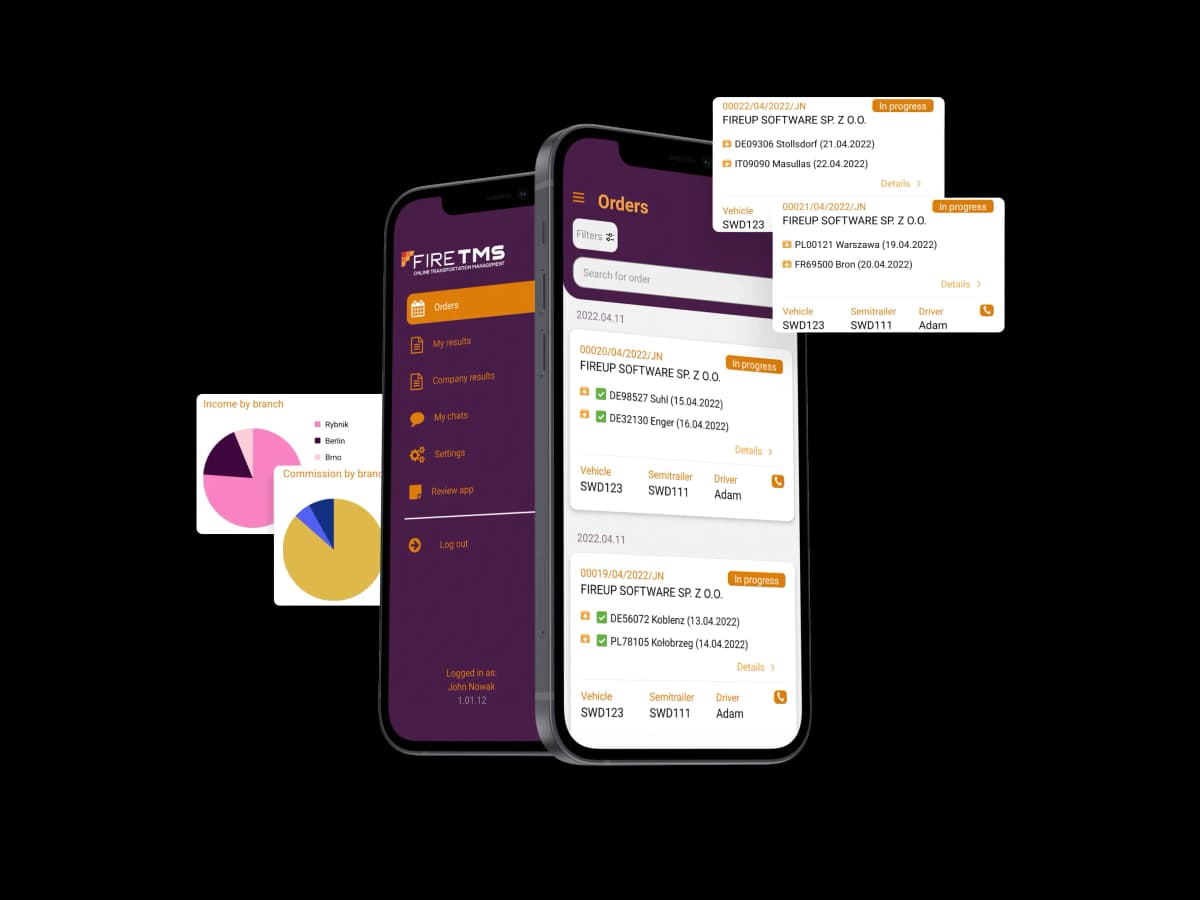
mobile application functions

Orders
The application shows the transport order and related details, including order number, estimated order cost, customer and forwarder data.

Cargo
The application shows detailed information related to the cargo, including the price of the goods, place of loading and unloading, customer and forwarder data, contact person phone number.

Route
The application allows you to monitor the transport route and keeps you informed about the current status of the cargo and, thanks to the built-in map, it is possible to view the current location of the driver.

Order reports
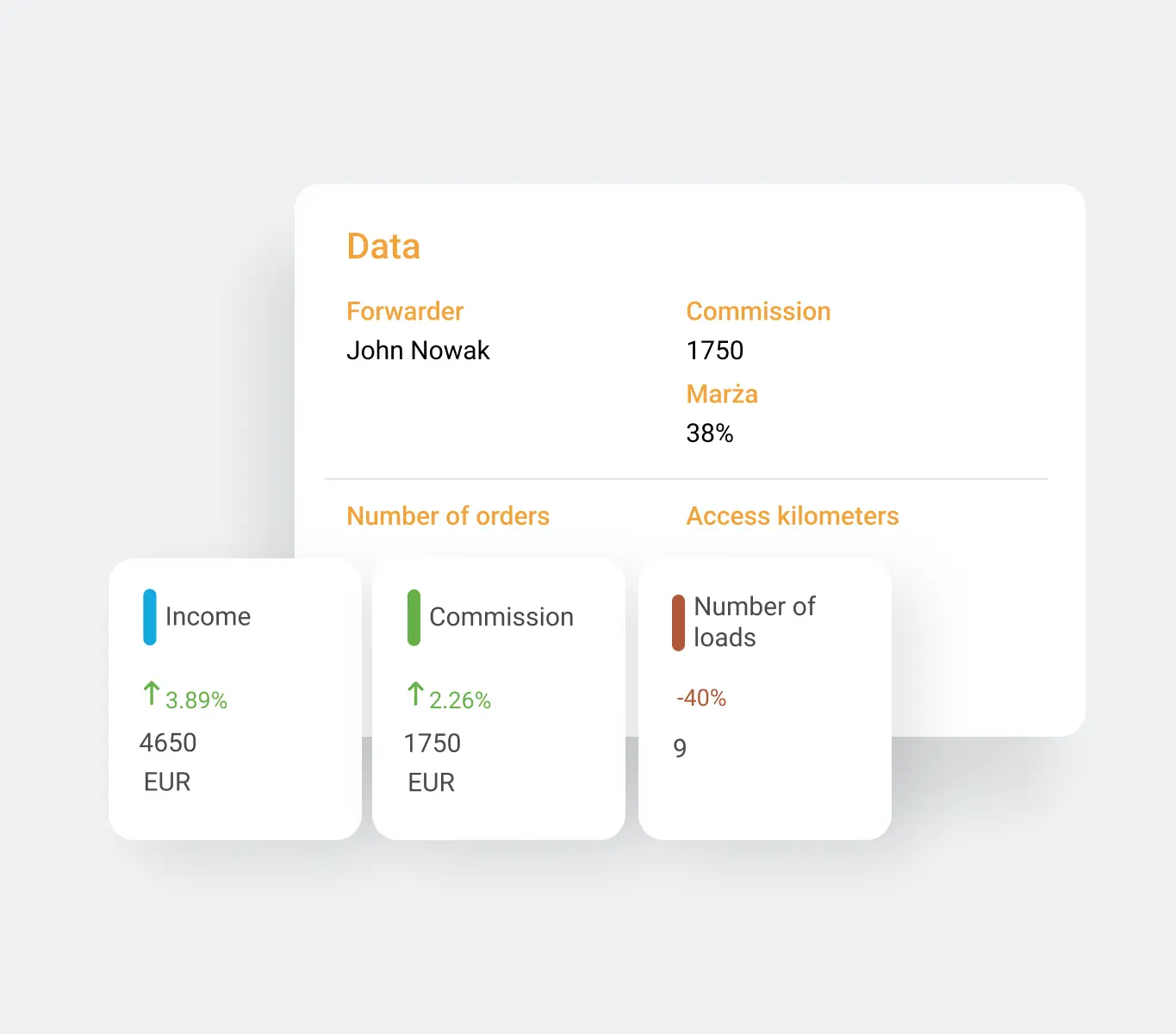
The application generates order reports in the form of detailed information and charts; they include individual forwarder's results and company's results, including revenues and commissions of individual branches.
who is the fireTMS mobile application for?
- preview of order and cargo status
- information on the stages of transport implementation
- route and driver monitoring

installation on the forwarder's phone
- download the Android application from the Google Play store or the iOS application from the App store
- log into the fireTMS system
- generate a QR code and connect the application to your account
- during the code generation set a PIN code for the mobile application

configuration of the fireTMS Dispo application
- run the application on your mobile device
- scan the generated QR code
- enter the PIN to the mobile application
